FAQ: rond KNX Push Button
What is a KNX push button?
A KNX push button is a smart switch that connects directly to your building's KNX bus — a standardised, two-wire communication network used in home and building automation. Unlike a simple on/off switch, it sends digital commands (like "dim to 40%" or "turn on scene 2") over the bus to whichever devices you've configured it to control.
How is this different from the rond 24V potential-free push button?
The potential-free button is a simple dry contact — it just opens or closes a circuit and needs a separate interface (like a KNX push button interface) to translate that signal into a bus command. The rond KNX push button has that intelligence built in: it connects straight to the KNX bus itself, so no separate interface module is needed.
Does the KNX push button need a separate power supply?
No. KNX devices are bus-powered — the same two-wire cable that carries data also powers the button (typically 29V DC from the KNX power supply/choke). You don't need to run a separate mains or low-voltage supply to the switch itself.
Can it control dimming directly?
Yes. Once commissioned with ETS (the KNX configuration software), each button can be set up to send dim commands — press-and-hold to dim up/down, short press to switch on/off — directly to a compatible KNX dimming actuator. No push-dim driver is needed, as the intelligence sits in the button and actuator rather than in the switch mechanics.
What is ETS, and do I need it to set this up?
ETS (Engineering Tool Software) is the standard software used to configure KNX devices — assigning group addresses, defining what each button press does, and linking the switch to actuators. You'll need a KNX-qualified installer or integrator to commission the button using ETS; it isn't a plug-and-play consumer setup like Wi-Fi switches.
How many functions can one rond KNX button control?
This depends on the button configuration (two-fold or four-fold) and how it's programmed in ETS. Each individual button/rocker can typically be assigned its own function — switching, dimming, scene recall, or blind control — and can also support multi-function presses (e.g. short press = on/off, long press = dim).
Can it do more than lighting?
Yes — because it speaks the KNX protocol, the same button can be configured to control blinds, HVAC, scenes, or any other KNX-integrated system, not just lighting. What it does is entirely down to how it's programmed in ETS.
Is it compatible with other KNX manufacturers' equipment?
Yes. KNX is an open, standardised protocol, so the rond KNX push button will work with certified KNX actuators, sensors, and controllers from other manufacturers, not just Rond's own range.
Does it have a built-in temperature sensor like the potential-free version?
Yes — it includes the same invisible NTC temperature sensor integrated into the design, and this reading can also be published to the KNX bus for use in heating/cooling automation, subject to ETS configuration.
What installation kits and finishes are available?
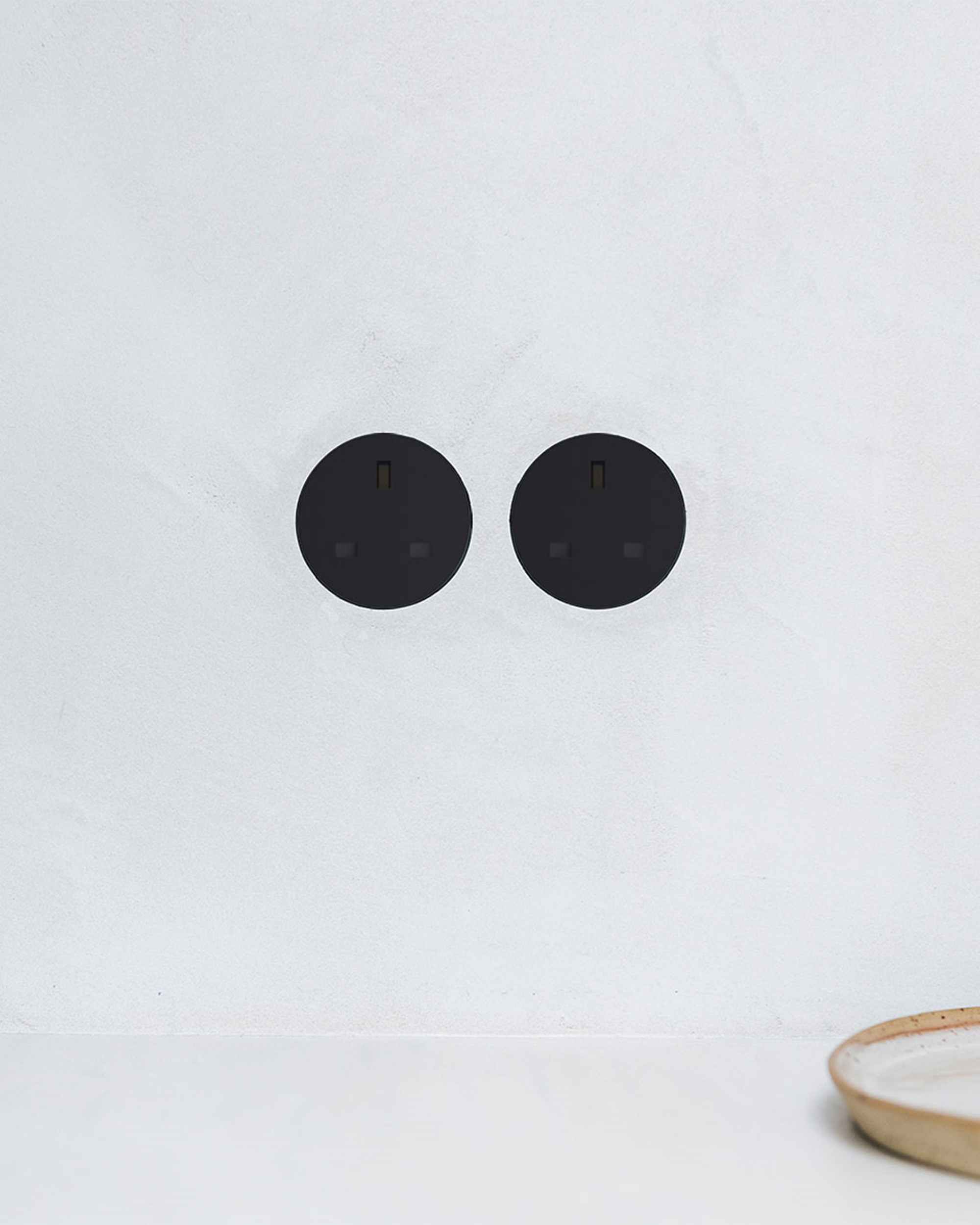
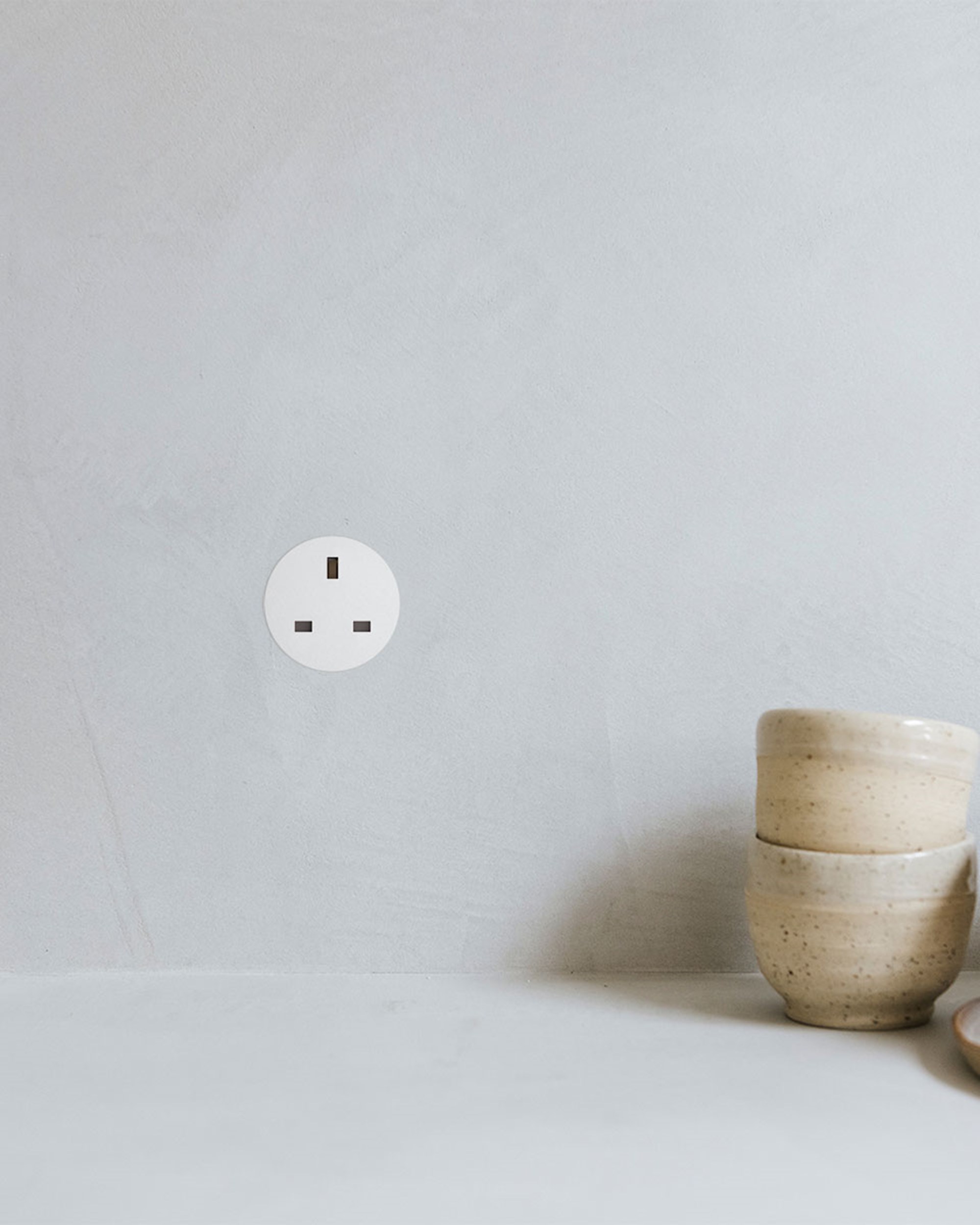
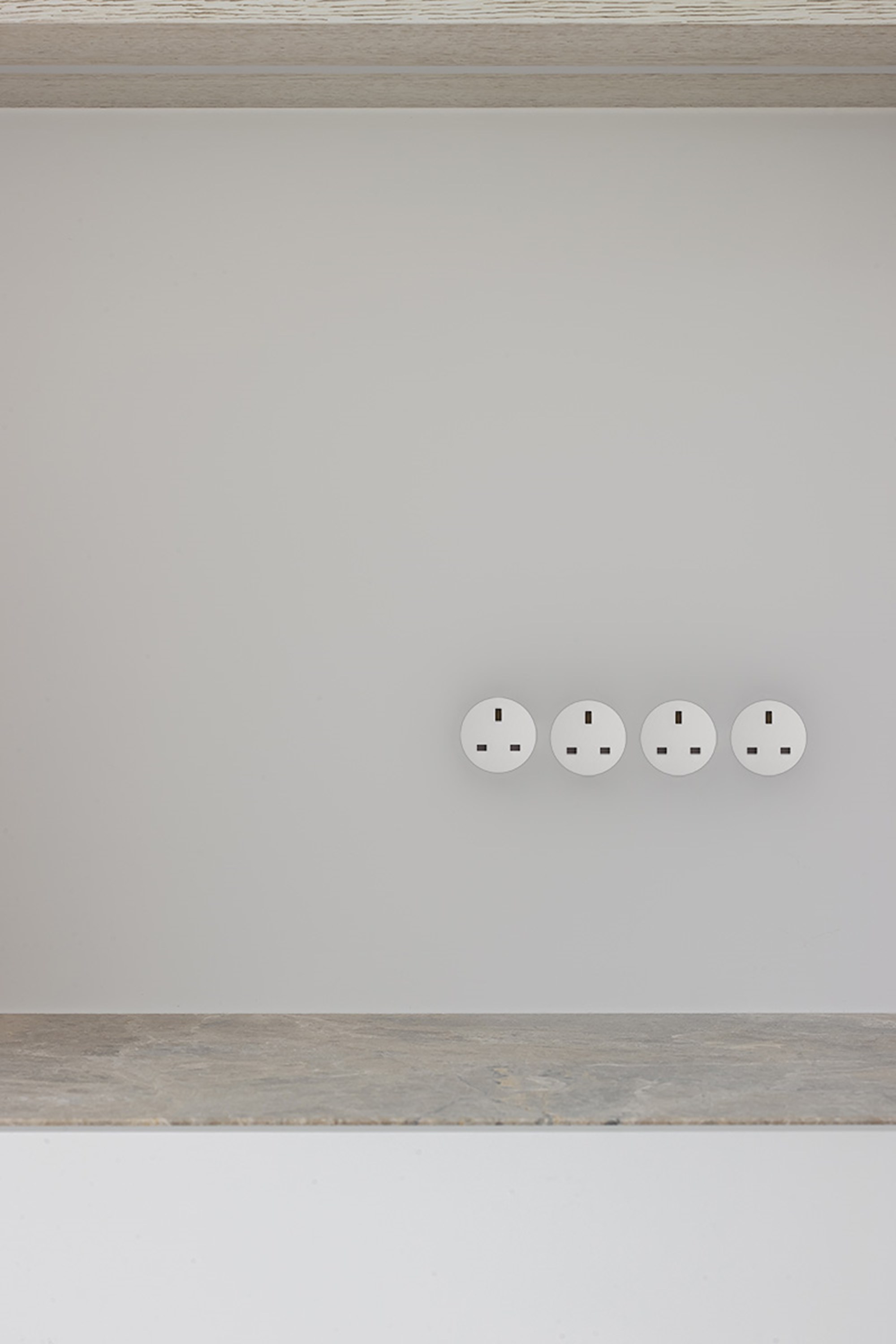
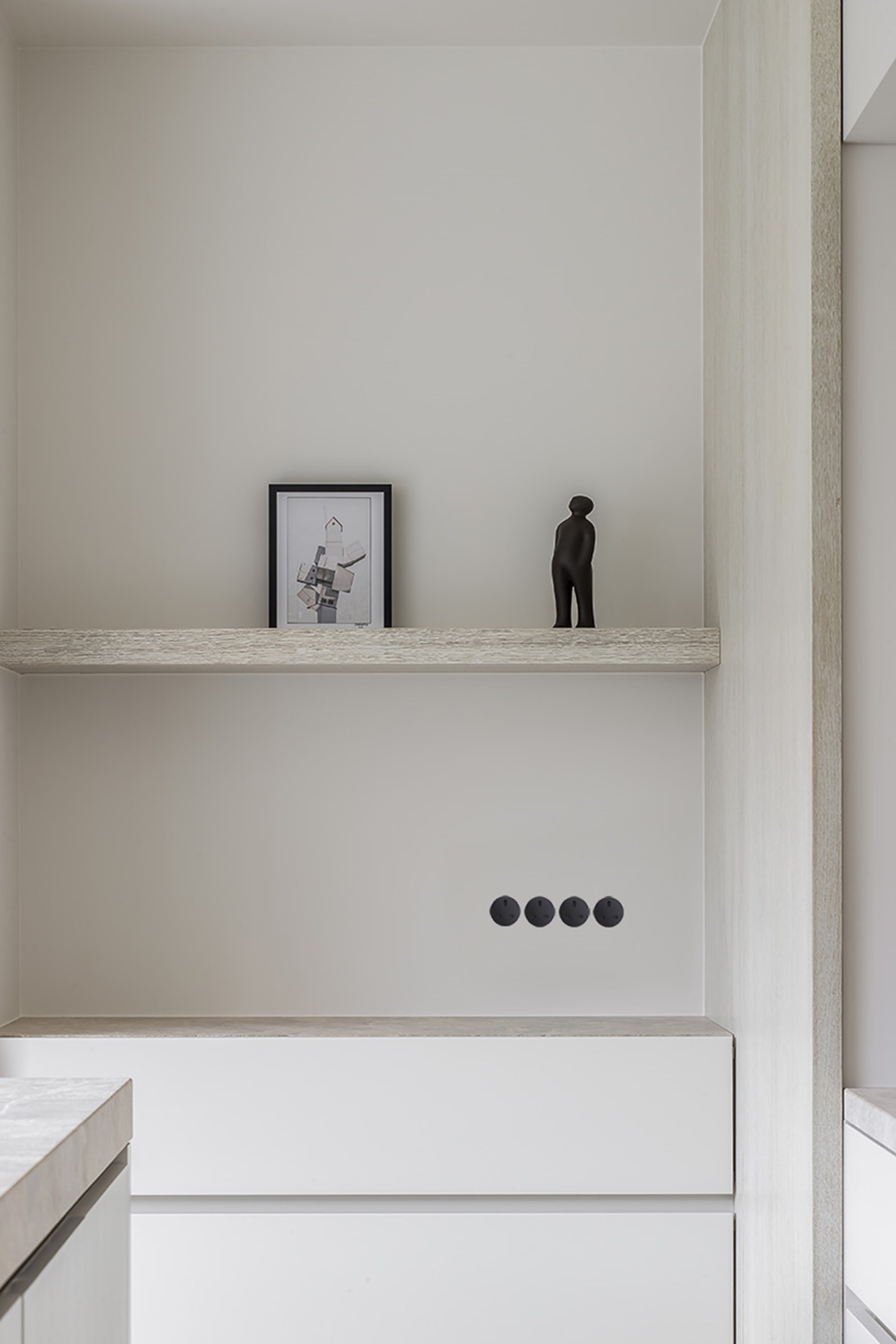
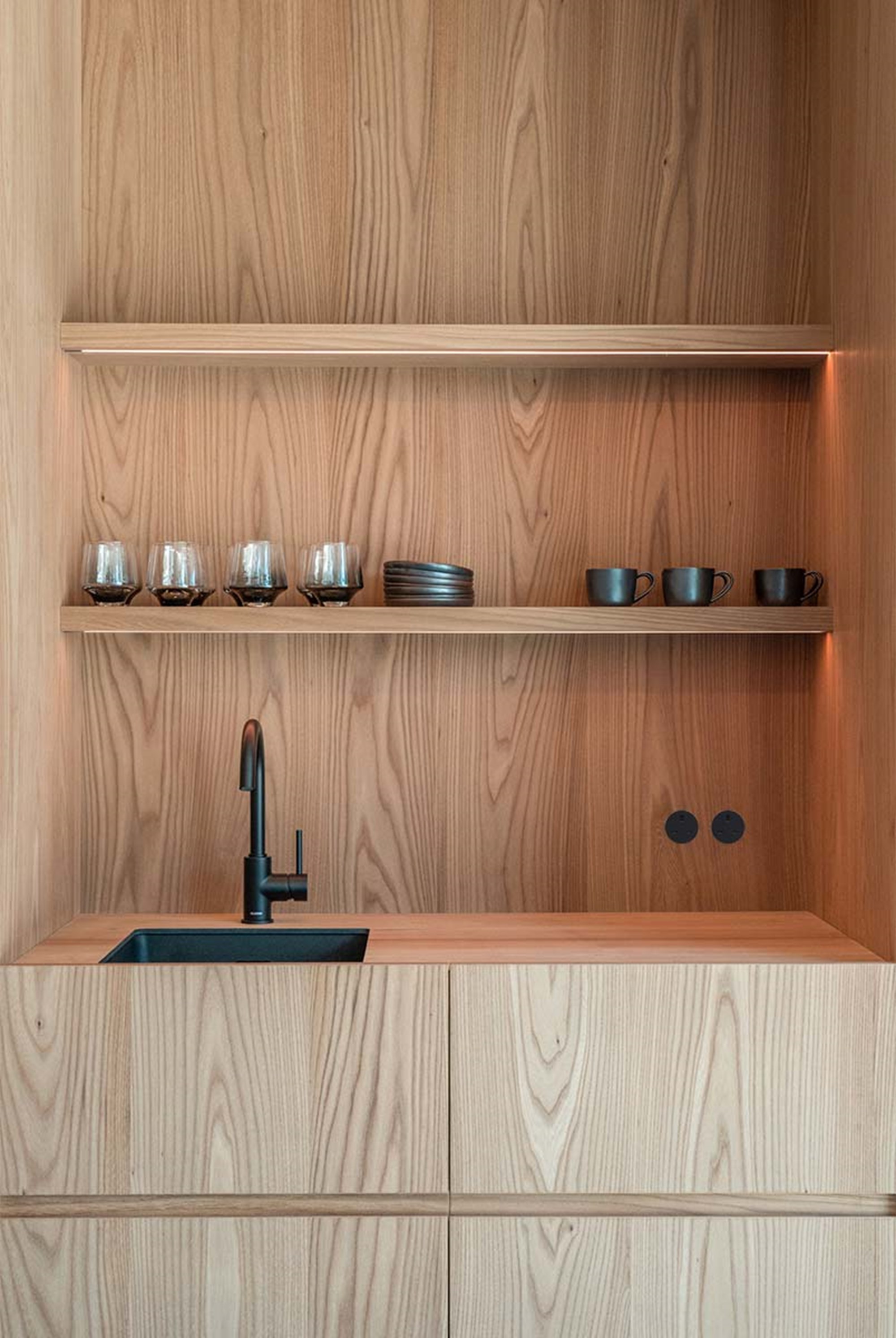
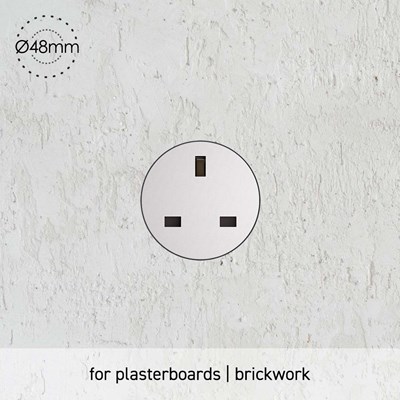
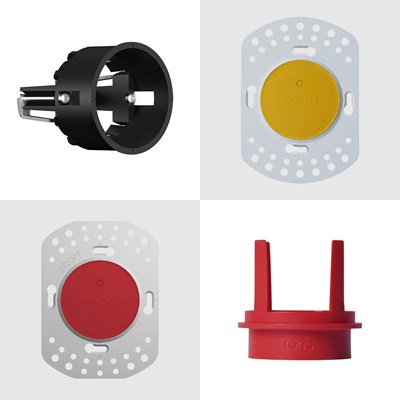
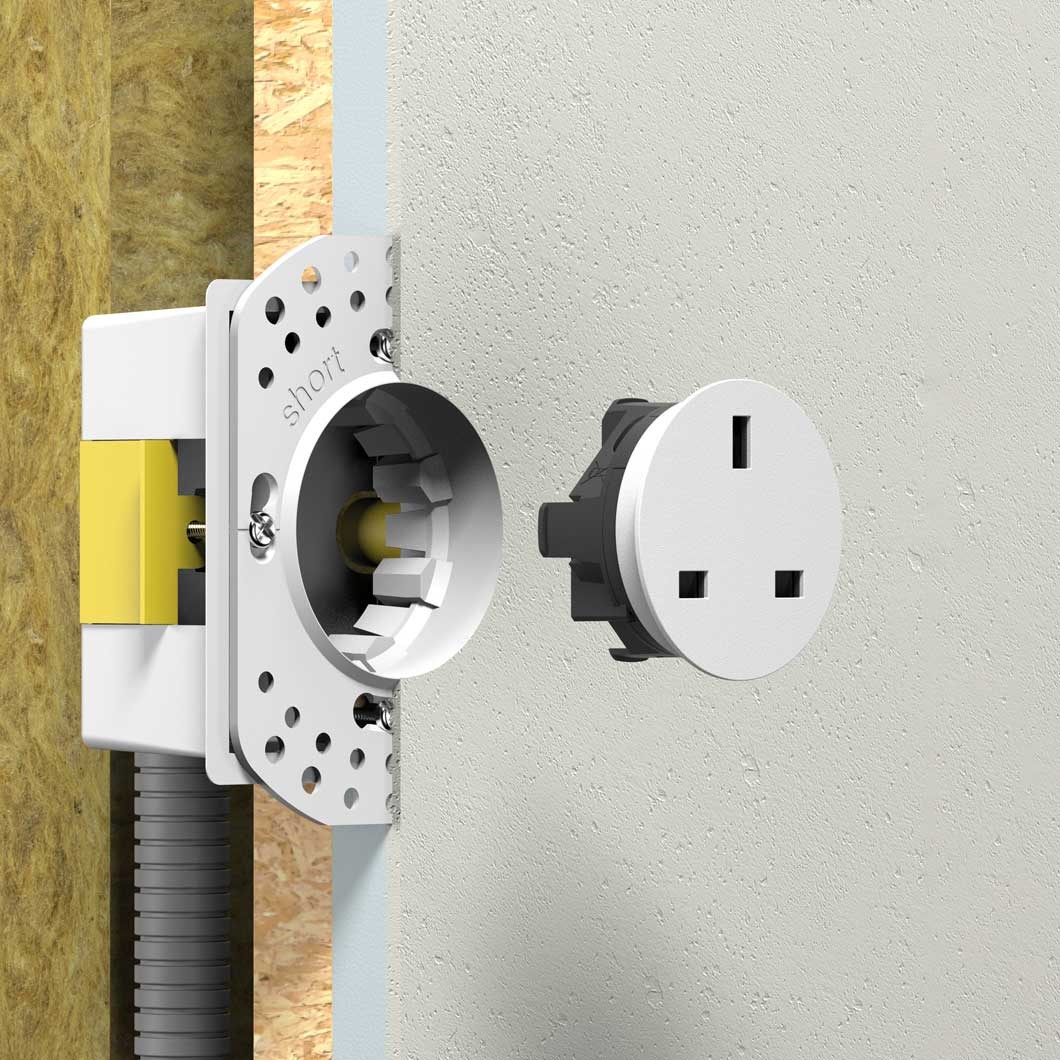
The KNX version uses the same rond 2.0 installation system: trimless Ø48mm cutout, Backfit Holder (19mm panel depth) or Multifit Holder (10–30mm panel depth), rotatable in 45° increments, and the full range of Basic, Aluminium, and Brass finishes.
Can it be mixed with rond's potential-free or DALI buttons in the same project?
Yes, physically — they share the same installation kits and design language. Electrically, each button type connects to its respective system (KNX bus vs. potential-free interface vs. DALI-2), so a qualified installer will need to wire each to the correct backend.
What if I need to reprogram it later?
Because KNX button behaviour lives in software (ETS project), it can be reprogrammed at any time without touching the wiring — useful if a client wants to change what a button does after installation.
What size is the rond 24V push button, and does it come in a trimless design?
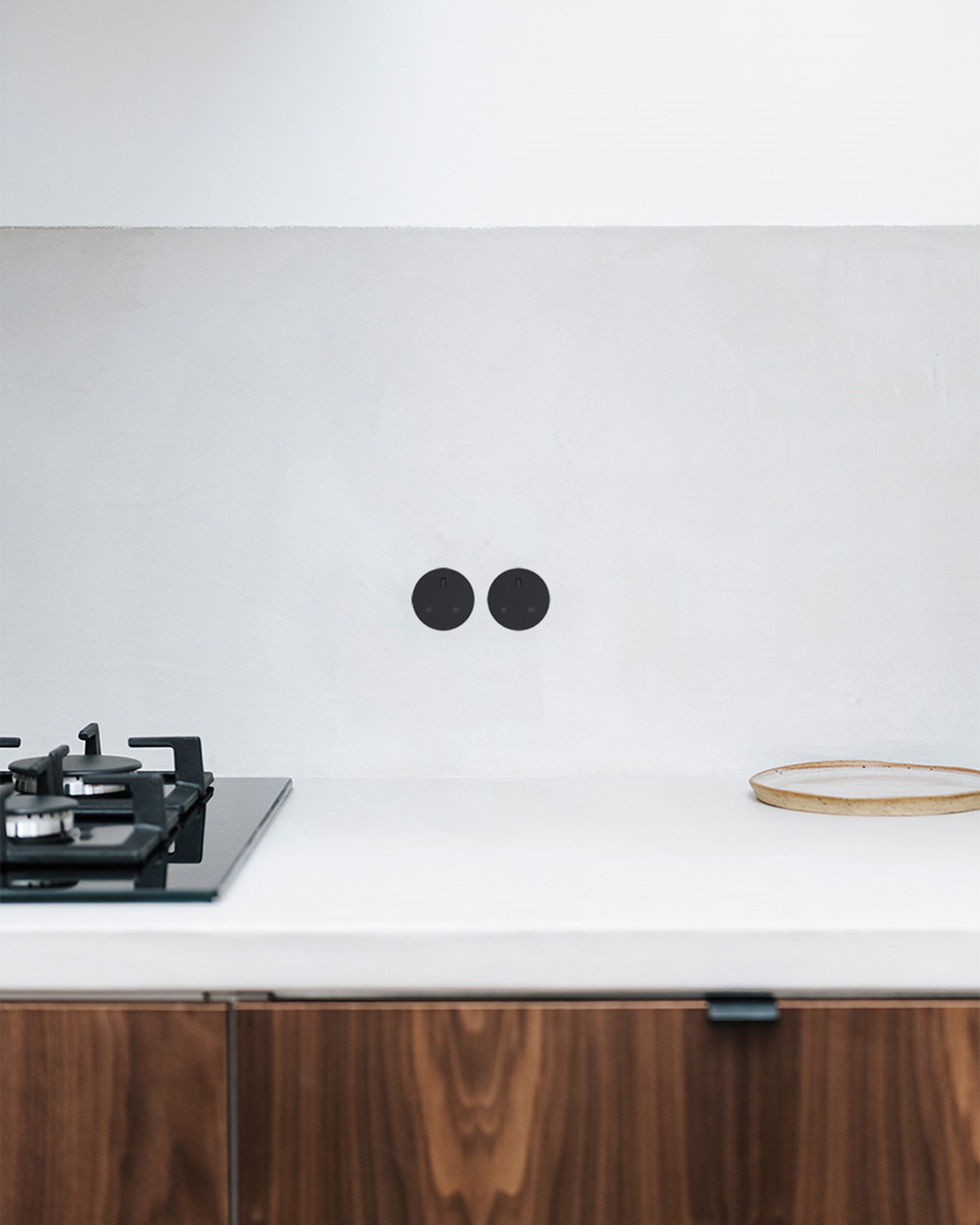
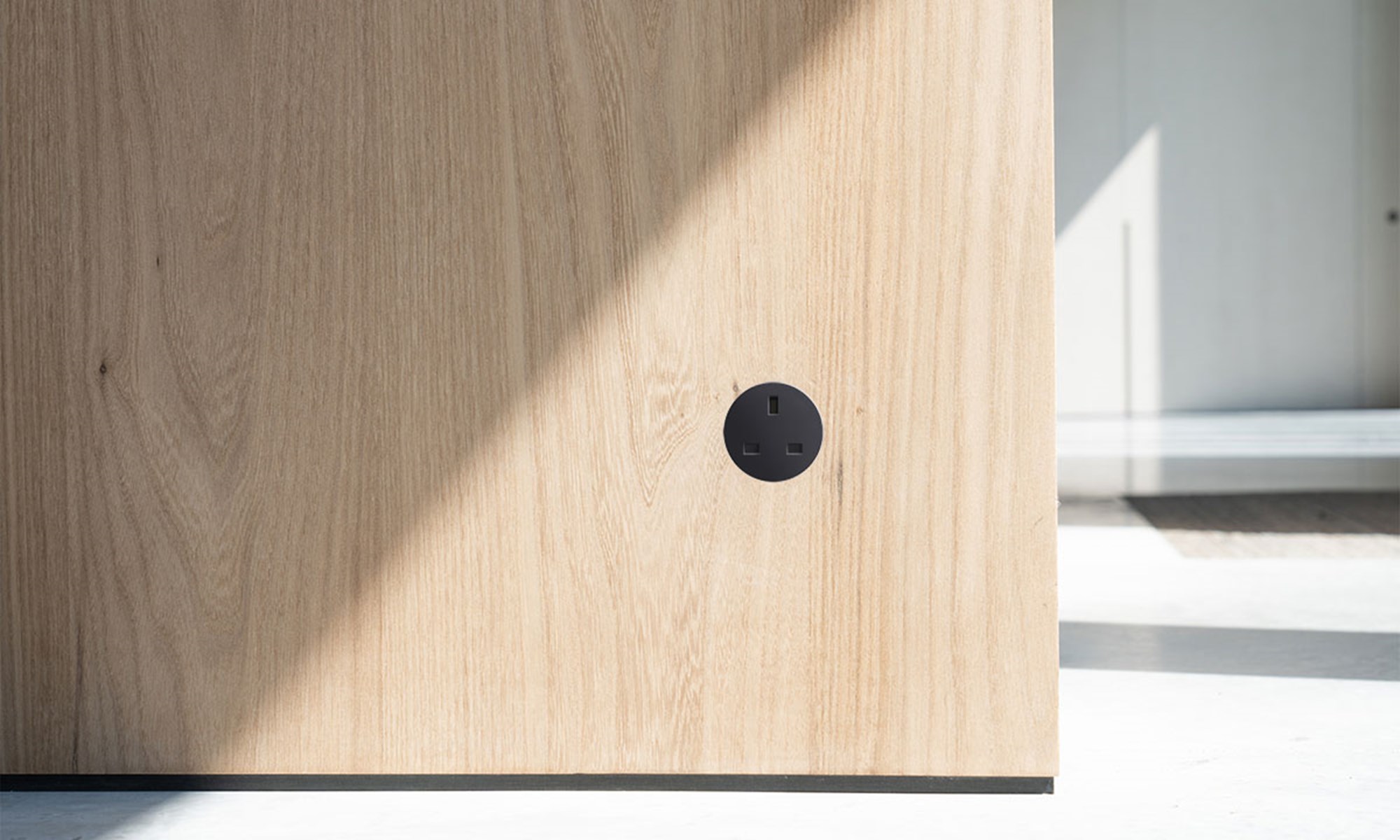
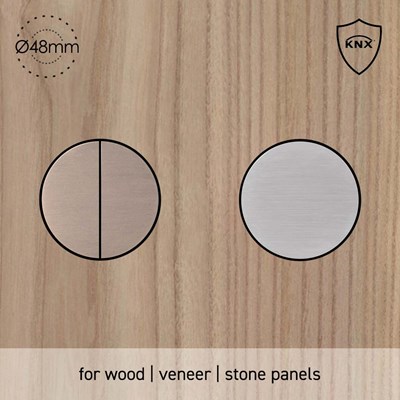
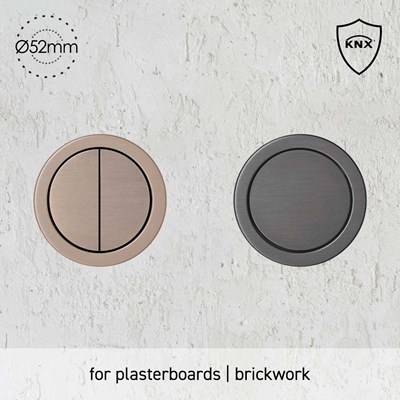
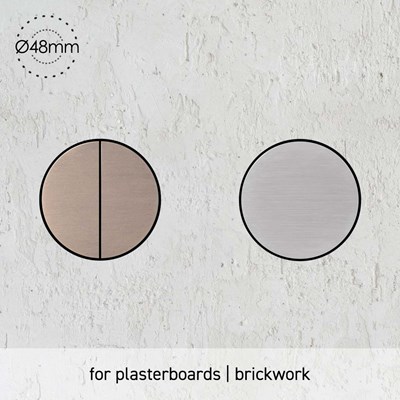
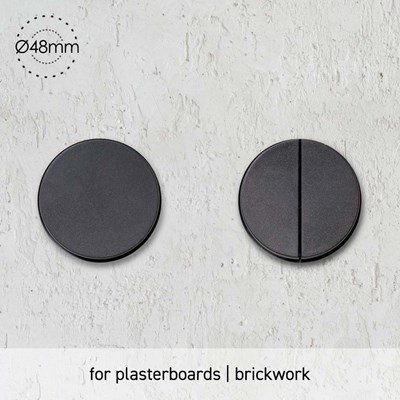
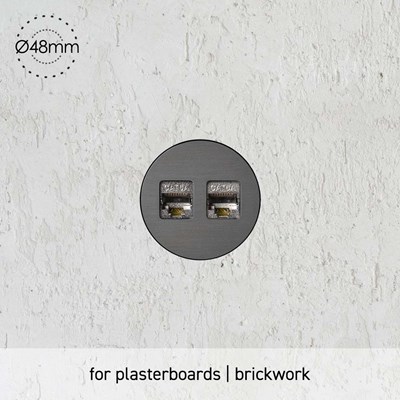
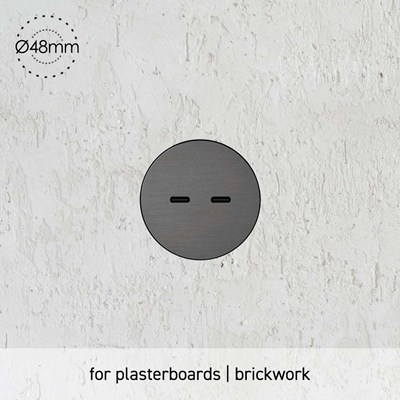
Yes. The rond 24V push button has a trimless design with a Ø48mm cutout, giving it a fully flush, minimalist finish once installed. Achieving this look does require precise installation of the installation ring — see below for wall compatibility.
Can it be installed in any wall type?
This version of the rond 24V Push Button is suitable for:
What installation kit do I need?
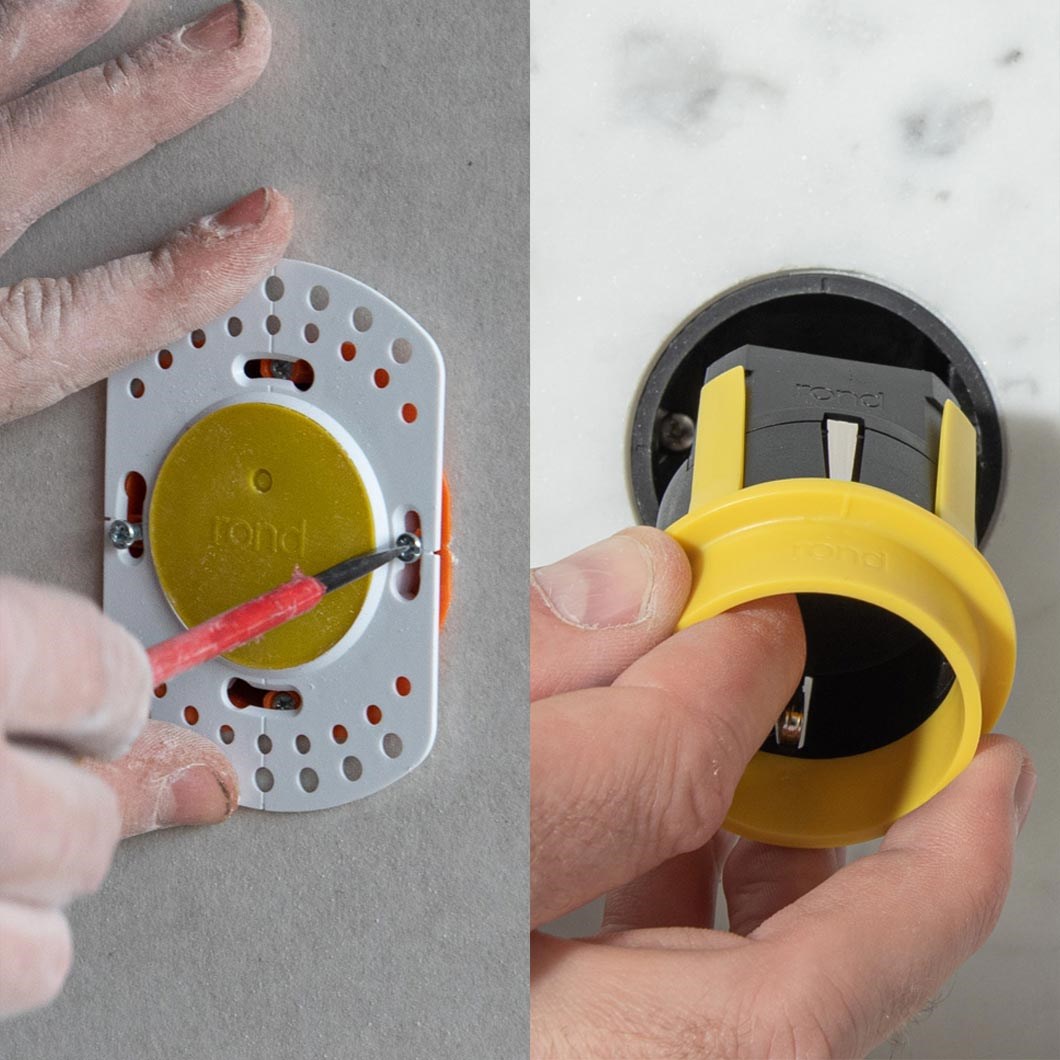
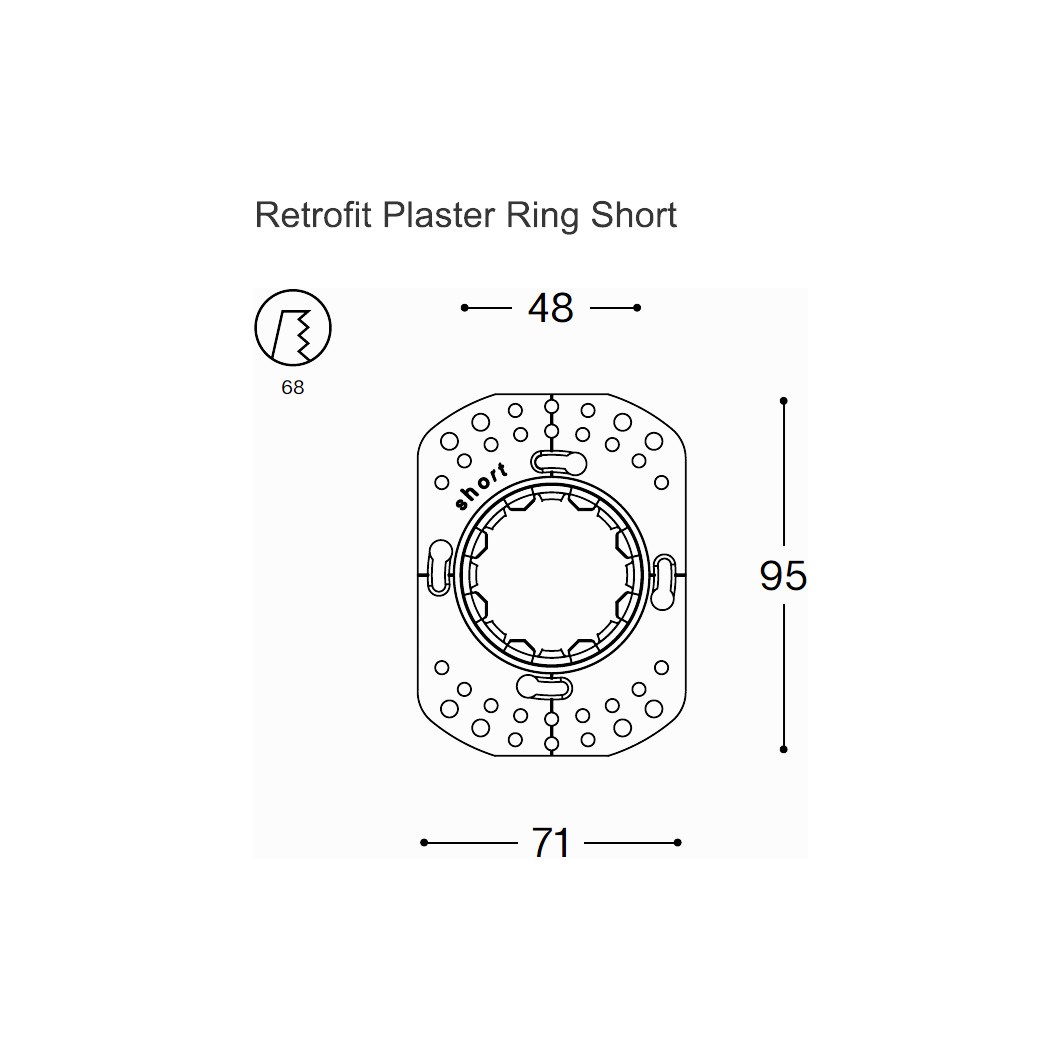
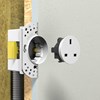
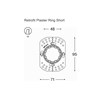
A separate retrofit plaster ring and a 45mm-deep electrical housing box are required for plasterboard/brick installation.
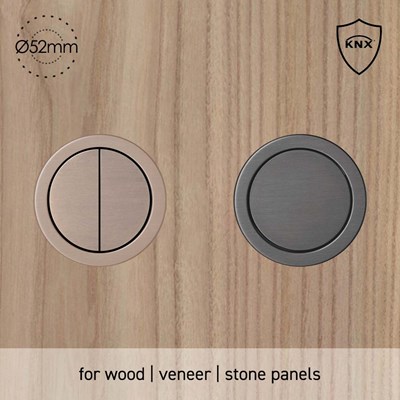
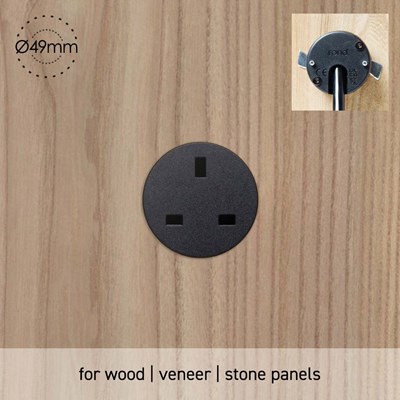
Not suitable for wood panels, veneer panels, or stone and marble panels. For those materials, use the multifit kit instead (for wood, veneer, and stone panels between 10mm–30mm deep).
Can the button orientation be adjusted after installation?
Yes. The push button is rotatable every 45°, so it can be aligned to your preferred orientation regardless of how the housing box was originally installed.
What configurations and finishes are available?
- Configurations: Two-fold or four-fold button layouts
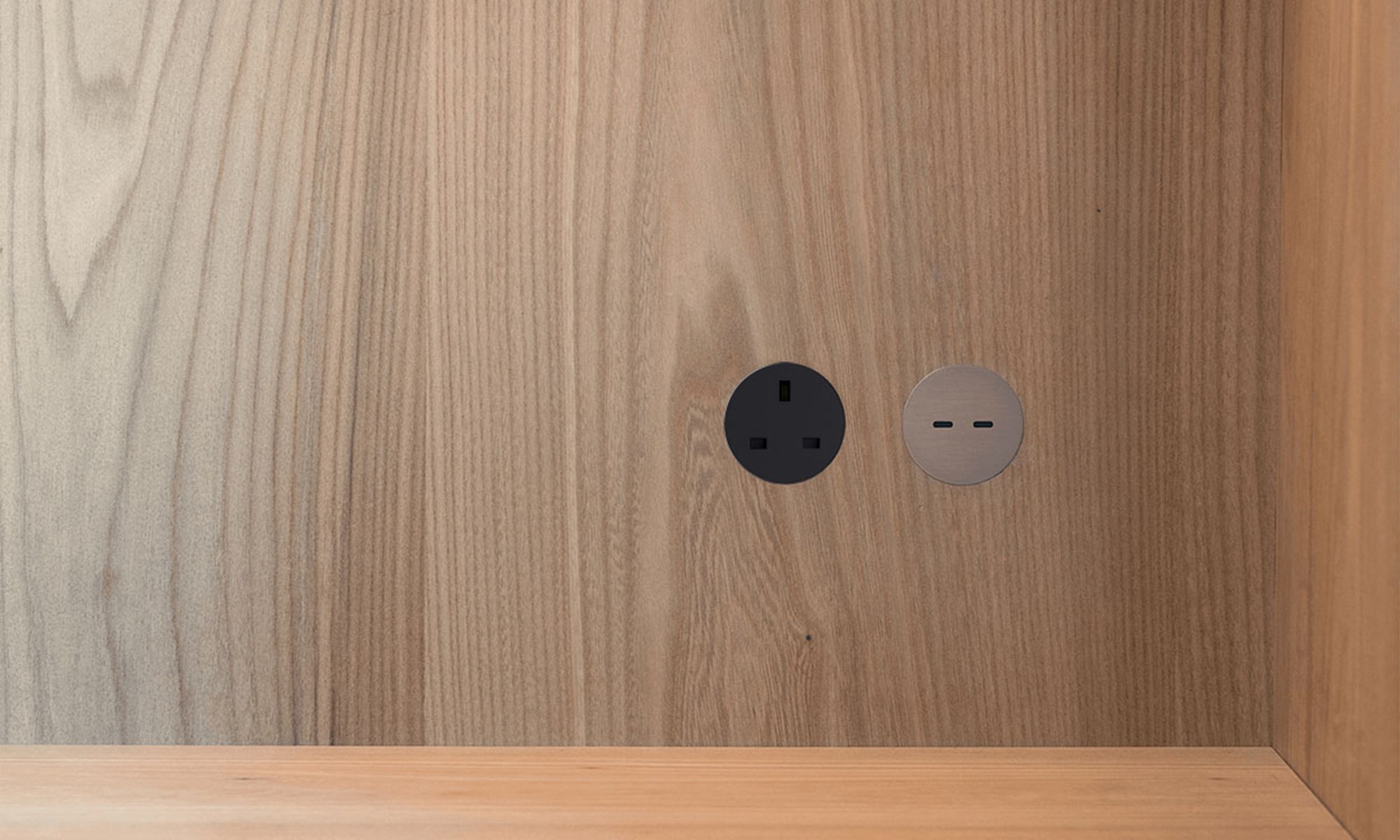
- Finishes: Basic (white, black, cream, grey), Aluminium (white, aluminium), Brass (brushed nickel, brushed brass, light bronze, dark bronze, canon de fusil dark, canon de fusil light)
What are the RAL colours for the white and cream cover plates?
The white cover plate is RAL 9003, and the cream cover plate is RAL 1013.
Is it compatible with other rond products?
Yes. The rond 24V push button is compatible with all rond 2.0 installation kits, making it easy to combine with other rond switches and sensors in the same installation.
What if I need to access the wiring after installation?
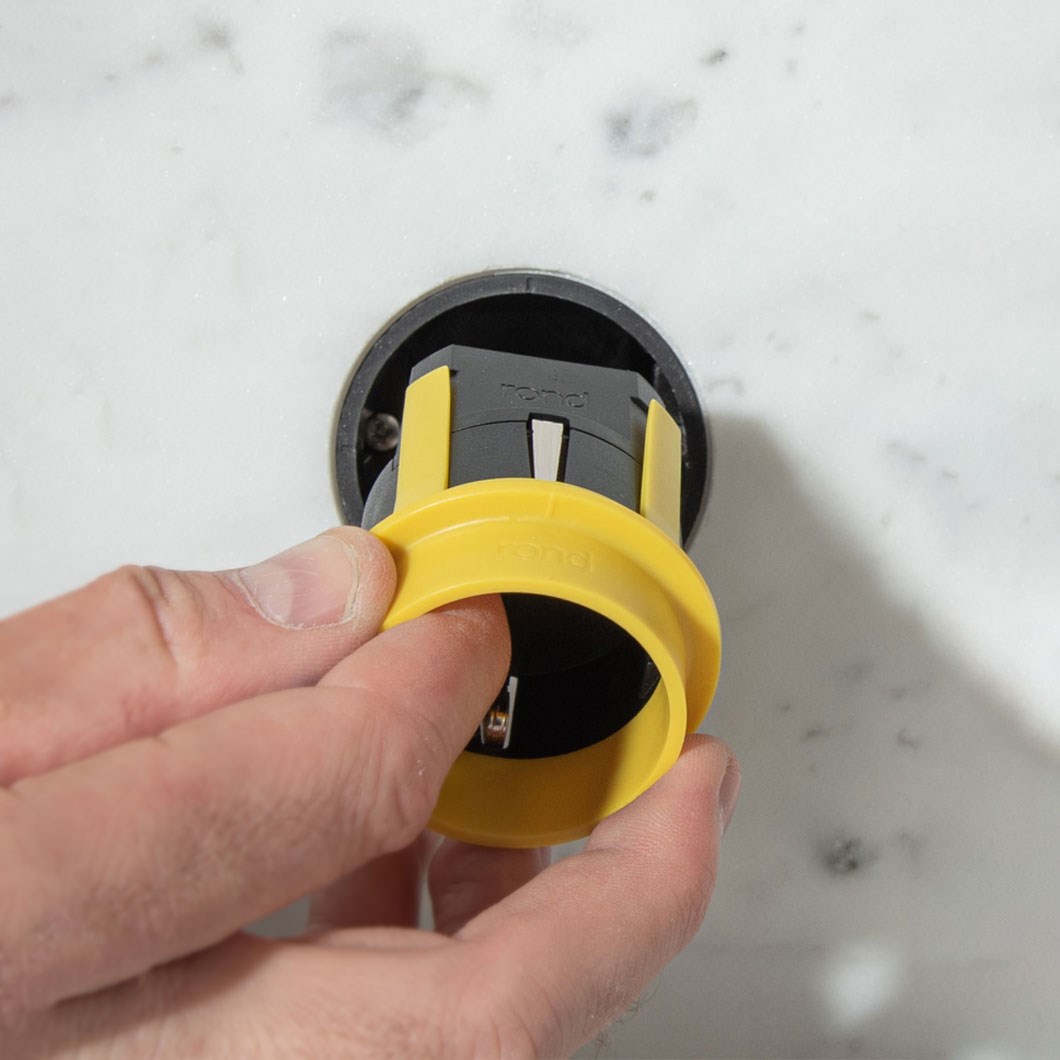
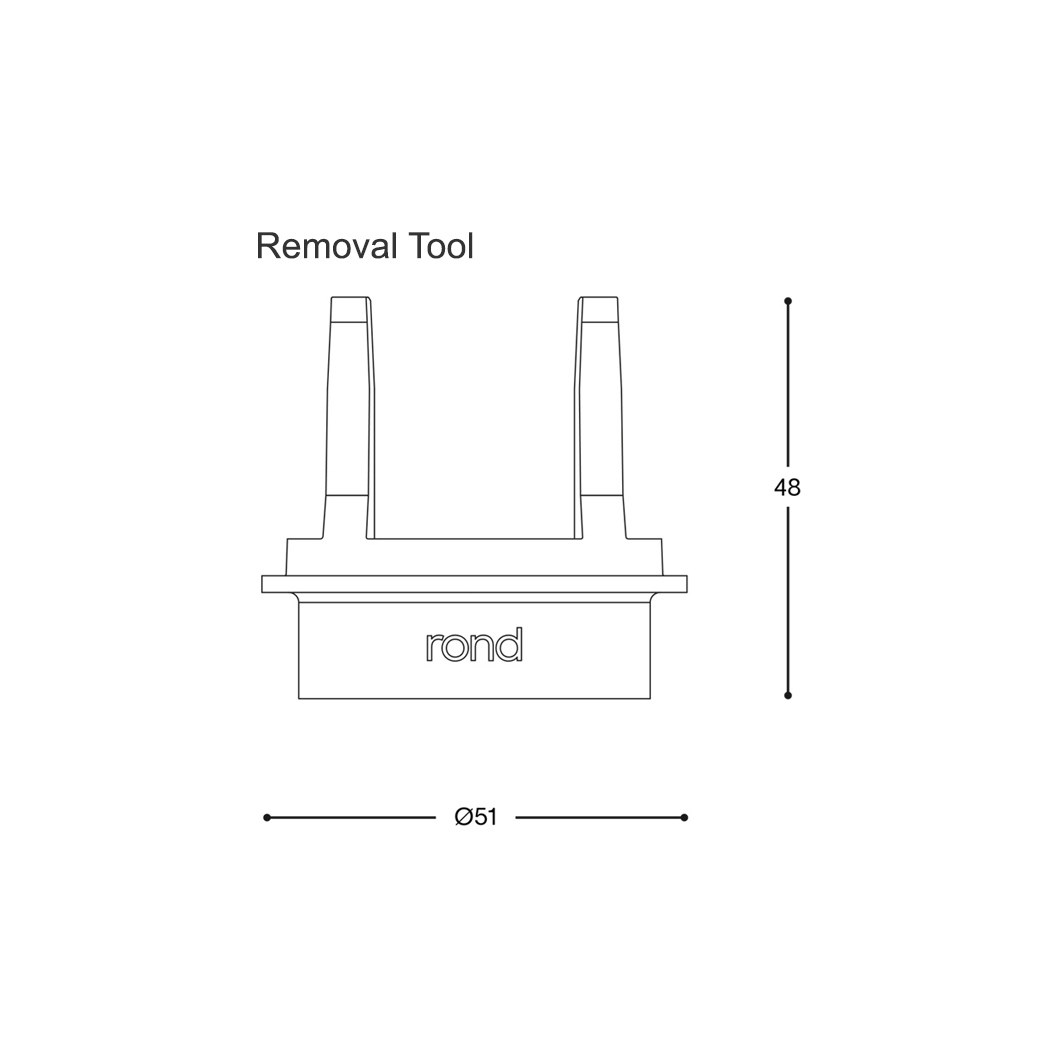
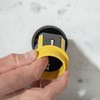
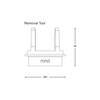
The rond retrofit ring is designed with a dedicated removal tool, so electrical connections stay accessible even after plastering — making future maintenance or adjustments straightforward.
Have more questions about rond KNX Push Button?
Contact our experts, we're happy to help.
 [email protected]
 01189 882294













 Delivery
 Warranty